
Estate administration is where planning becomes operations. Assets must be identified. Beneficiaries need updates. Fiduciaries need checklists. Documents repeat. If your firm still runs this on email threads and renamed Word files, AI will not save you - process will. The right software makes the process enforceable.
This guide maps a modern estate administration workflow and shows where Relaw fits without pretending AI can administer an estate by itself.
Estate administration vs probate (why the workflow differs)
Probate usually means court-supervised estate proceedings: petitions, notices, inventories, accountings, and orders.
Estate administration is broader. It includes probate matters and also trust administration, pour-over coordination, non-probate asset collection, beneficiary communications, and tax handoffs.
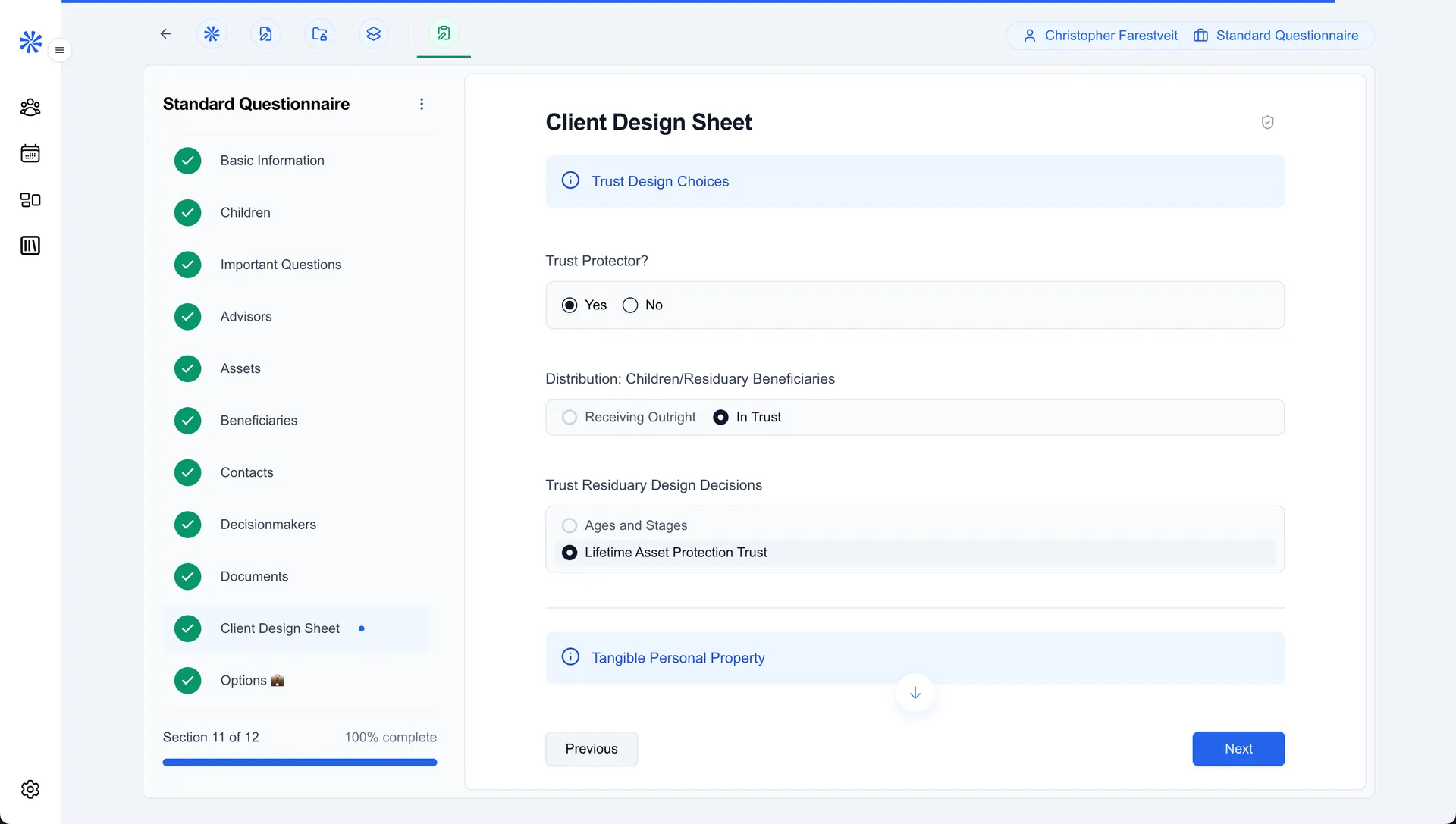
Relaw treats both as first-class workspaces. Onboarding includes standard questionnaires for Probate and Estate Administration, plus Estate Planning, Elder Law, and Tax.
The 7-stage estate administration workflow
1. Open the matter and lock the facts
Create the client and matter. Send a branded Estate Administration questionnaire so the fiduciary (or family) provides:
- Decedent and fiduciary details
- Heirs and beneficiaries
- Asset categories and account locations
- Debts, expenses, and known claims
- Key document uploads (death certificate, will/trust, statements)
Relaw stores uploads in the Matter Vault and keeps questionnaire answers structured for later drafting.
2. Run the kickoff meeting with a notetaker
First meetings are dense: who has the keys, which banks, which passwords, which advisors. Use Relaw's AI Notetaker on Zoom, Google Meet, Microsoft Teams, or phone. Link the meeting to the matter.
Then:
- Review the transcript/summary
- Accept or edit AI-suggested questionnaire updates
- Assign follow-ups in your pipeline stage tasks
3. Build the working inventory once
Stop maintaining five spreadsheets. Use intake answers and vault files as the source of truth. When your inventory or preliminary accounting templates are attached as DOCX/PDF documents, generate drafts from the same data set instead of retyping asset lists.
4. Generate the administration pack
Typical pack pieces firms automate in Relaw:
- Engagement / fiduciary onboarding letters
- Notices and consents (where your templates apply)
- Inventory and schedule templates
- Beneficiary update letters
- Affidavits and supporting forms your jurisdiction uses
Relaw merges matter data into your templates. Your language and local practice stay in control.
5. Draft edge cases in AI Studio or Word
Not every letter is template-pure. For odd beneficiary issues or one-off correspondence:
- Use the matter AI Assistant with vault and meeting context
- Use AI Studio with firm blueprint documents
- Refine in Microsoft Word with the Relaw add-in
6. Keep beneficiaries informed without drowning staff
Pipelines help here. Move matters through stages such as Intake → In Progress → Complete (or customize). Automations can send reminder emails when information is missing before a meeting or stage deadline.
7. Sync your practice system of record
If billing and calendaring live in Clio, MyCase, PracticePanther, Lawmatics, or similar, use Relaw's Sync & Export integrations so contacts and matters stay aligned. Relaw also connects with WealthCounsel and Interactive Legal for firms in those ecosystems.
Where AI helps (and where it should not)
Helpful AI jobs in Relaw today:
- Summarizing fiduciary meetings
- Suggesting questionnaire answers from meetings/docs for human review
- Drafting from firm blueprints and matter context
- Answering matter questions with attached vault files
Not AI's job:
- Deciding tax elections without counsel
- Filing court documents without your process
- Replacing fiduciary judgment or attorney supervision
World-class firms use AI to remove clerical drag, then put attorney time on risk, tax, and family dynamics.
Checklist: estate administration tech stack
| Capability | Why it matters | Relaw |
|---|---|---|
| Branded questionnaire | Fewer incomplete files | Yes |
| Matter vault | One place for certificates and statements | Yes |
| DOCX/PDF automation | Inventories and letters from one data set | Yes |
| Meeting notetaker | Kickoffs stop vanishing into notebooks | Yes |
| Pipelines / reminders | Fiduciaries finish homework | Yes |
| CRM sync | No double entry into PMS | Yes |
| Firm billing/invoicing inside Relaw | Some firms want it | Coming soon (not shipped) |
Sample weekly rhythm for an administration practice
Monday: Pipeline review - which estates are stuck on missing intake? Daily: Notetaker on fiduciary calls; link to matters the same day Midweek: Generate or refresh inventory/notice packs for matters with complete questionnaires Friday: AI Assistant pass for open questions; attorney review queue before anything sends
FAQ
Can Relaw handle trust administration as well as probate estates?
Yes in workflow terms. Use the Estate Administration workspace (or a customized questionnaire), attach trust administration templates, and run the same intake → meeting → draft → pipeline pattern.
How is this different from generic practice management?
PMS tools excel at billing and matter records. Estate administration also needs deep questionnaires, pack generation, and meeting capture. Relaw is built for that T&E production layer and syncs outward to your PMS when needed.
Related Relaw guides
- Relaw for Estate Planning Attorneys
- How to Automate Estate Planning Document Packs
- Best Probate Software for Attorneys
- Estate Administration Workflows with AI
- Best Elder Law Software
- Guardianship and Conservatorship Workflows
- AI Legal Software by Practice Area
- The 9 Best AI Legal Tech Platforms
Conclusion
Estate administration rewards firms that treat it like a productized workflow. Relaw's Estate Administration workspace, vault, document automation, notetaker, and pipelines are designed for that operating model - with attorneys still reviewing every client-facing output.